Showcase & Inspiration
Real-world examples from servers using Velocity Nexus
Live Screenshots
See all design styles in action
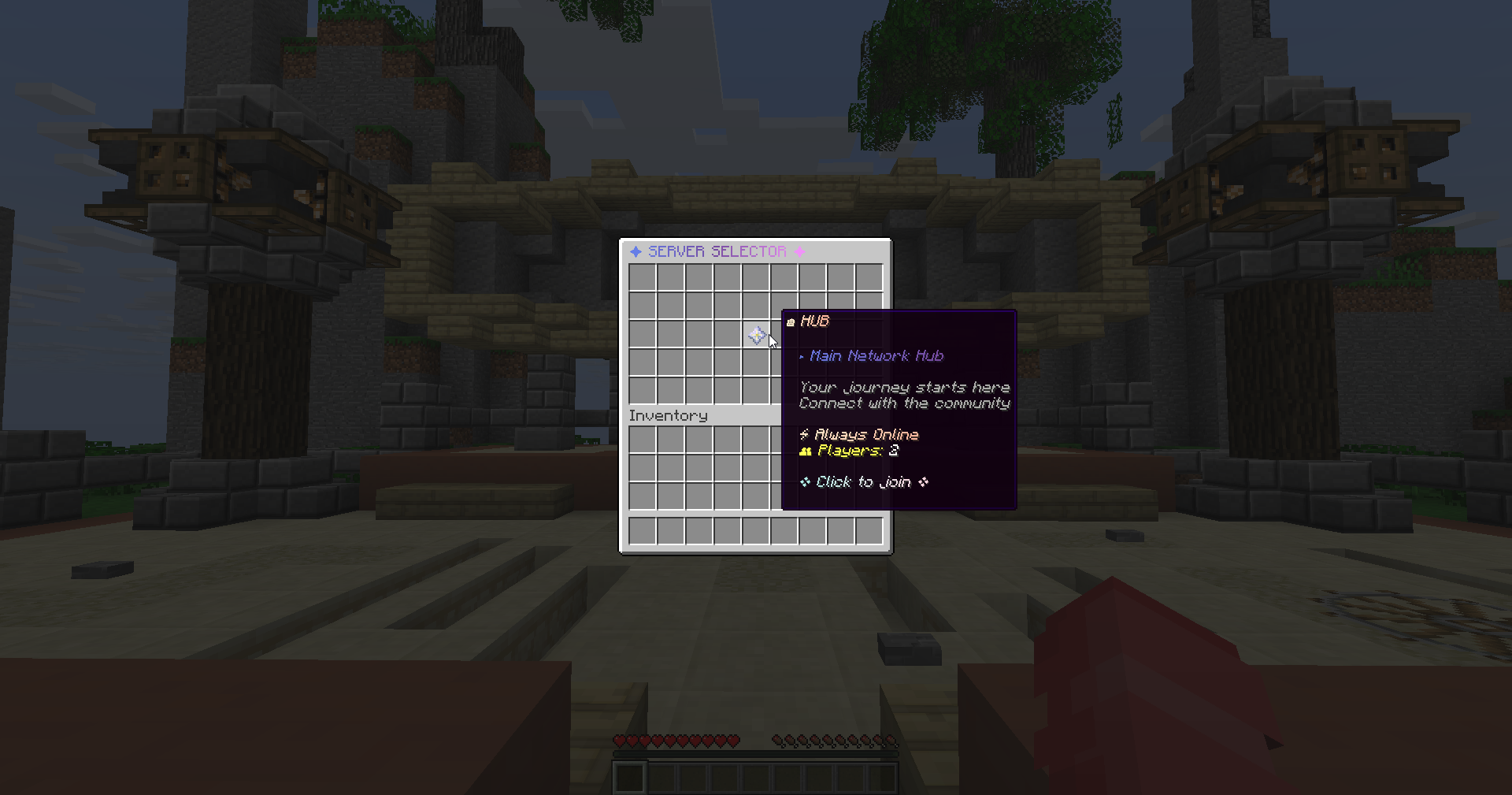
Premium Hub
Beautiful 5-row GUI with elegant glass pane borders and gradient formatting. Features a center Hub server with real-time player counts and a modern purple-pink color scheme.
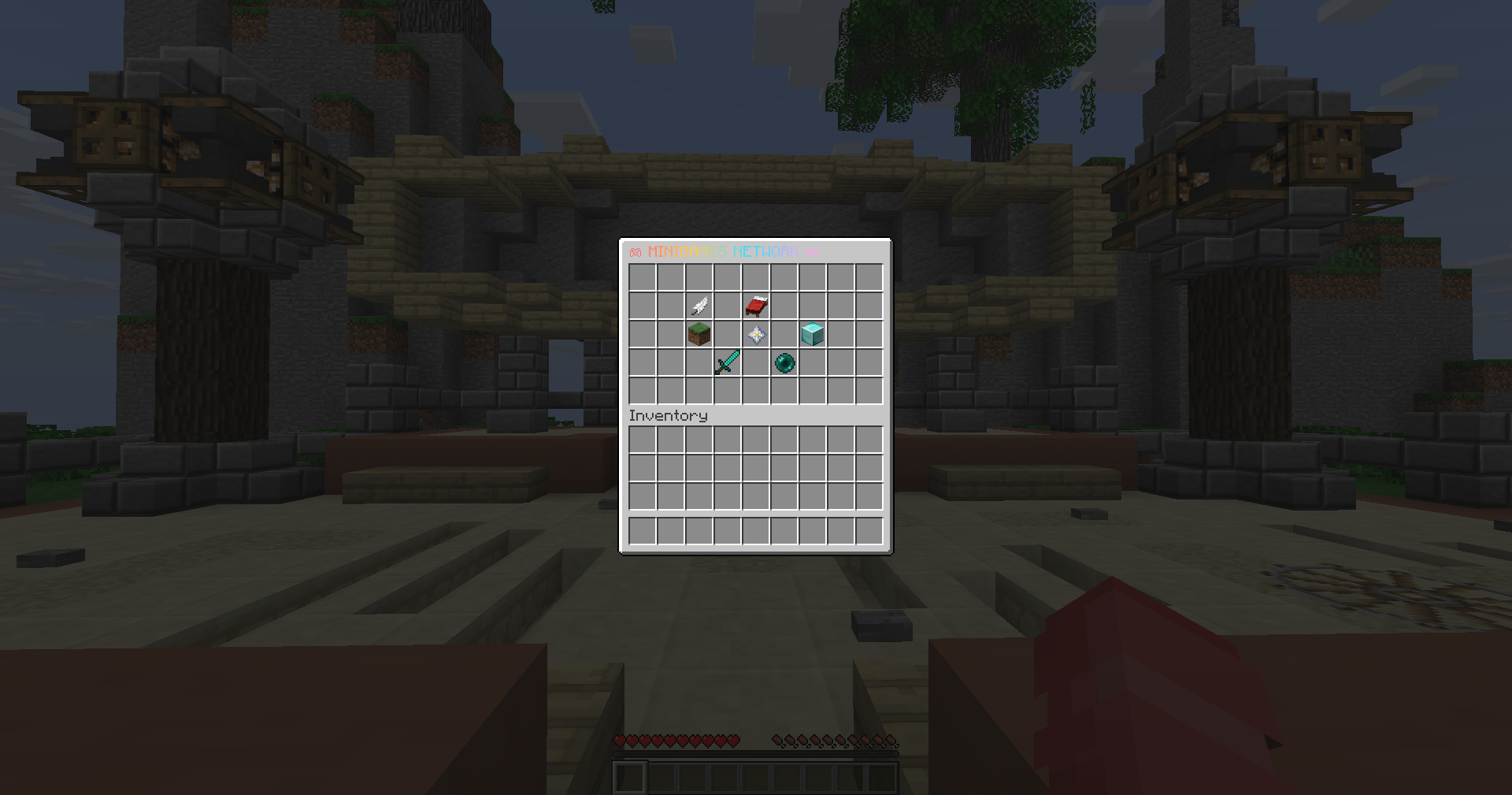
🎮 Minigames Network
7-server setup with vibrant rainbow gradients. Perfect for minigames networks featuring SkyWars, BedWars, Survival, Creative, KitPVP, and Practice servers with colorful glass borders.
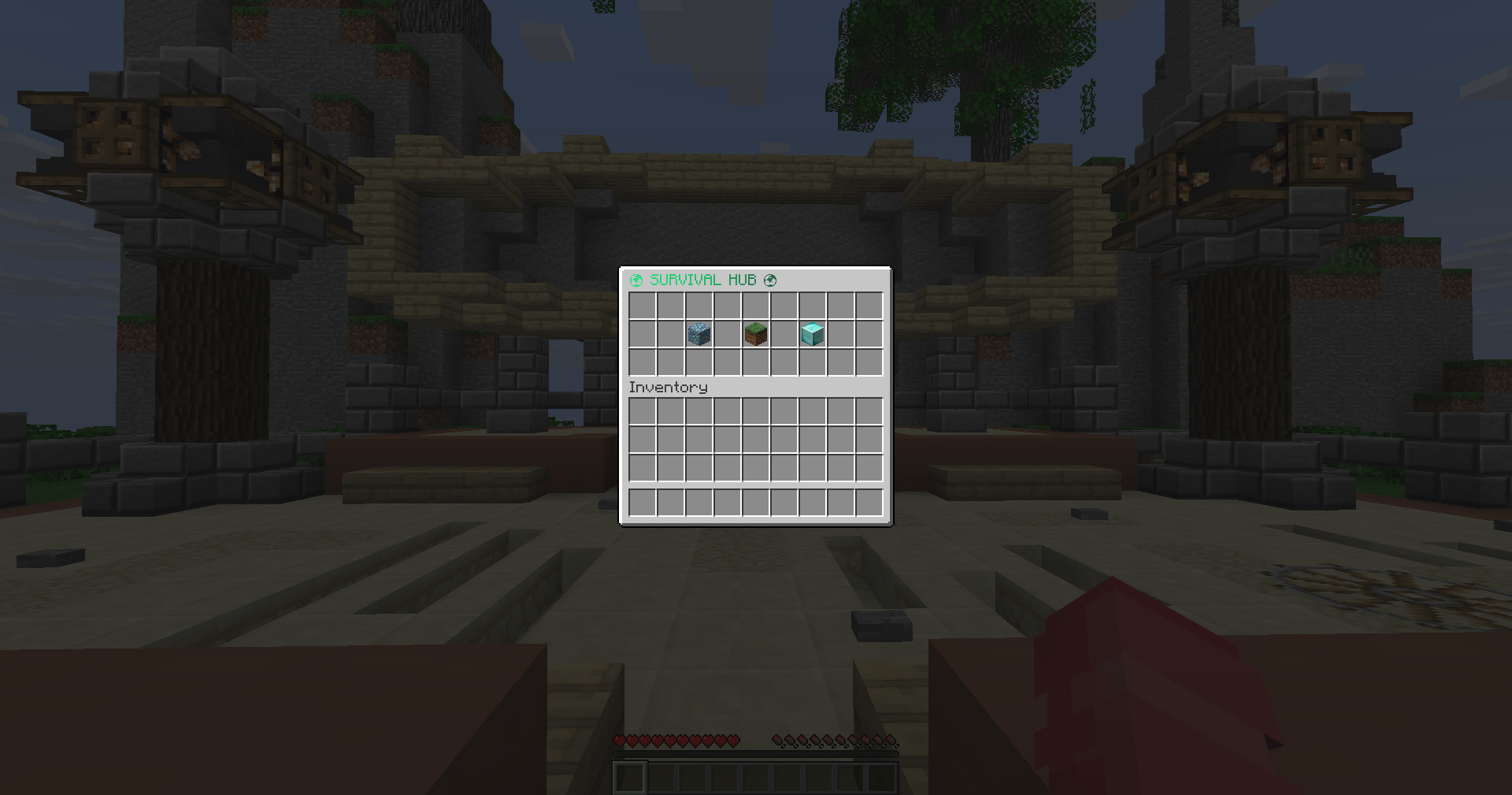
🌍 Survival Hub
Clean 3-server layout with natural earth tones. Simple and elegant design perfect for survival-focused networks featuring Hub, Survival, and Creative servers.
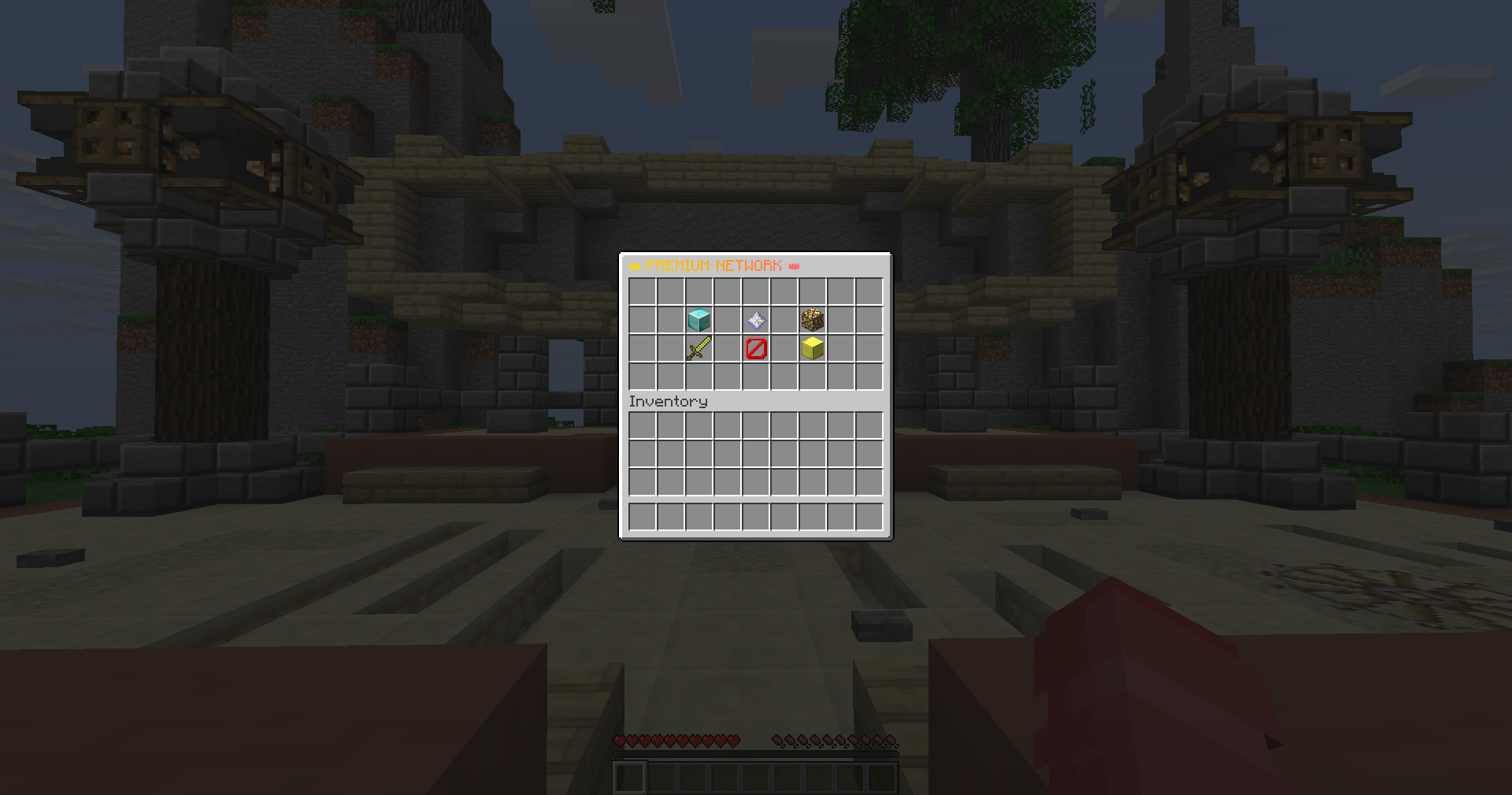
👑 Premium VIP Network
Luxury gold-themed 4-row layout with VIP permission system. Features exclusive VIP servers, staff area, and donator lounge with premium error messages.
Each design shown above has a downloadable config file ready to use! Scroll down to the Configuration Templates section to download any of these configs and customize them for your network.
Configuration Templates
Ready-to-use configs for different server types - download and customize!
Premium Hub
Beautiful 5-row layout with elegant glass pane borders and MiniMessage gradients
Minigames Network
7-server setup with colorful gradients - perfect for minigames hubs
Survival Hub
Clean 3-server layout with earth tones - natural and simple
Premium VIP Network
VIP servers with permission messages - gold luxury theme
1. Download the config that matches your network type
2. Replace the server names in [servers.NAME] sections to match your velocity.toml
3. Upload to plugins/velocitynexus/config.toml
4. Restart your Velocity proxy
5. Enjoy your beautiful server selector!
Design Inspiration
Tips for creating your perfect server selector
� Color Schemes
Choose colors that match your brand:
- Purple-Pink: Modern, premium feel
- Earth Tones: Natural, survival servers
- Rainbow: Fun, minigames networks
- Gold: VIP, exclusive servers
- Blue-Cyan: Ocean, aquatic themes
📐 Layout Tips
GUI size recommendations:
- 3 rows: 1-3 servers, clean & simple
- 4 rows: 4-6 servers, balanced
- 5 rows: 7+ servers, spacious
- 6 rows: Large networks, maximum space
✨ Decoration Ideas
Enhance your GUI with decorations:
- Glass pane borders for elegance
- Beacon/Nether star as title item
- Info book at bottom center
- Gradient glass panes for depth
- Empty slots for breathing room
💡 Best Practices
Make your selector user-friendly:
- Show live player counts
- Use recognizable icons (sword, grass, etc.)
- Keep descriptions short & clear
- Match colors to server themes
- Test on different Minecraft versions